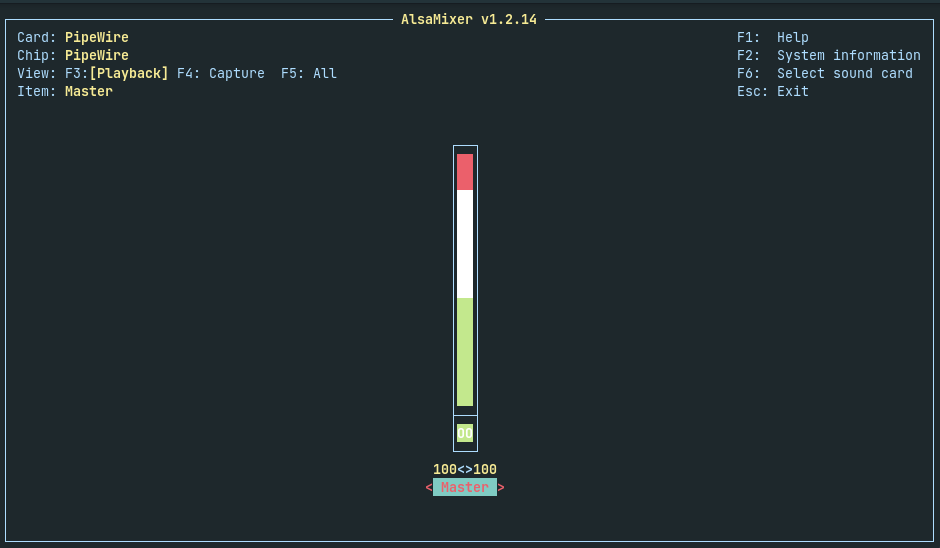
One of the first issue I noticed when daily driving a Linux distro is that my USB DAC confusingly putting out less than half of its maximum volume even when setting the master slider to full.
What I didn’t know back then was that there is an unexposed mixer settings deep within Linux’s sound framework: ALSA. You can access this mixer via alsamixer on your terminal.
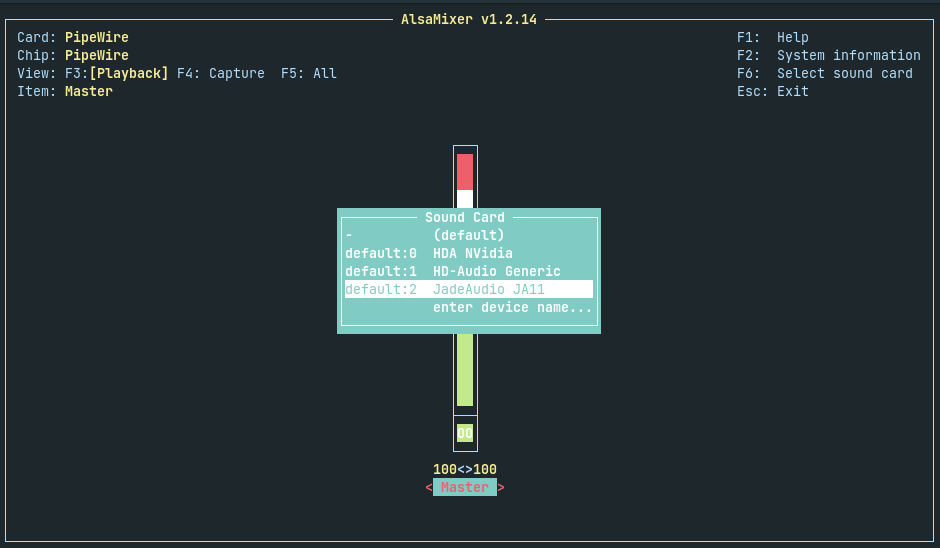
Once you’re in the mixer, press F6 to select your current DAC
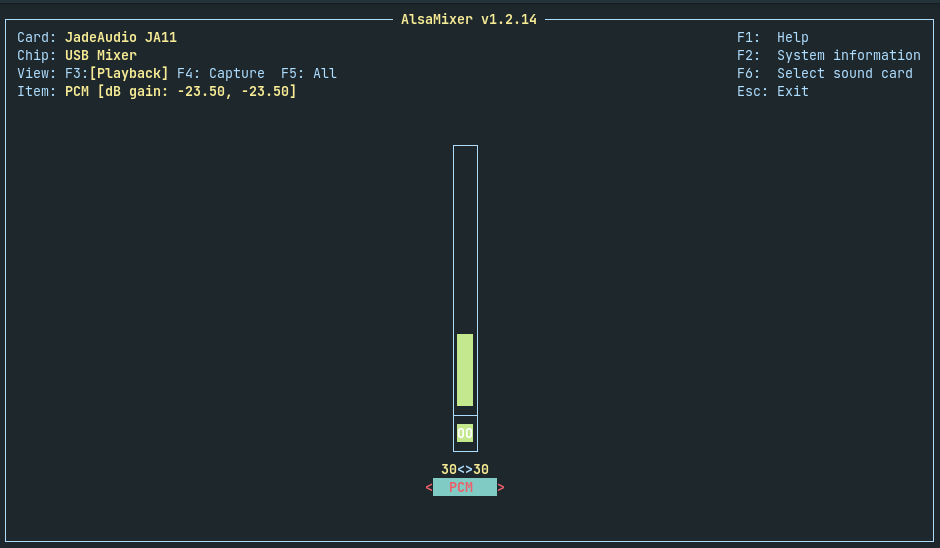
As you can see, the PCM output is being set to 30 by default (and I’ve no idea why). You can then use the scroll wheel or the arrow keys to set the PCM output to 100.